Read on Twitter
Here are _some_ of the most essential git operations you will need when working as a developer.



 Create A New Repository
This is the most basic command you'll need. When you start a repository locally, your start with git init.

 Clone A Repository
You can clone a remote repository to get a local copy of it. Your local repository is connected to the remote one so you can pull in changes and push yours to the remote.

 Stage Files For Commit
Staging files basically makes them available to be committed later. It's like telling git "Okay, the next time I want to save a bunch of stages, include this file and its changes".

 Commit Your Changes
Committing your previously staged files creates a "version" of your repository. It includes all previous changes and the ones added with that specific commit.
You can, from then on, always rewind your repository to this exact state.

 Add A Remote Repository
You can add as many remote repositories as you like to your local repository. Most people only work with one remote repository, but git is actually designed for more.

 Fetch Remote Changes
Fetching pulls in the data from the specified remote repository. It doesn't merge the changes directly into your local branches and keeps them in a separate directory, named after the remote name.

 Fetch And Merge Remote Changes At Once
Pull is a convenience command. It combines fetch and merge and saves you some writing and time.

 Create A New Branch
Using checkout together with -b creates a new branch in your local repository. You can commit to it but you still have to push it later. Switch is an experimental alternative.

 Push Your Local Branch
Push is what you need to get your changes to a remote repository. Others can then fetch, merge or pull them into their local versions of the repository.

 Switching Branches
You can change the branch you currently work on with either checkout or the experimental switch.
 Stashing Changes
Sometimes you want to put your current unstaged changes aside and do something else. This is what stash is for. It's basically a stack where you can put changes atop and pop them off again later.
 Rename A Branch
Sometimes you'll want to rename a branch. There is, however, a difference in doing this locally and on the remote. This is why you'll need two commands for it.
 Apply A Commit From One Branch To Another One
Sometimes, you committed a change and want to apply it to another branch, as weell. This is what cherry-pick is for.
 Show Changes
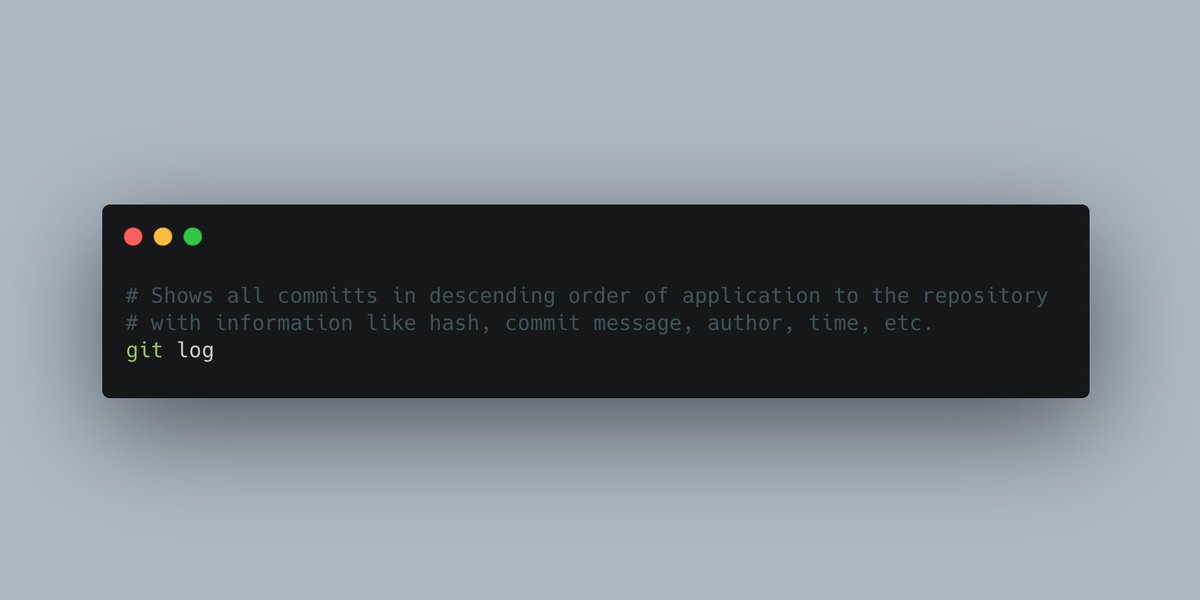
The git log contains a list of all commits in descending order of application. The latest commit sits on top, the oldest commit is the last one on this list. You can use this to find out commit hashes and when someone applied what commit.